Trim, Crop, and Redact Videos In Seconds
SnapTrim is a lightweight Windows app for quick video trimming, cropping, and privacy redaction. No watermarks, no subscriptions - pay once, use forever.
Get SnapTrim - $4.99 USD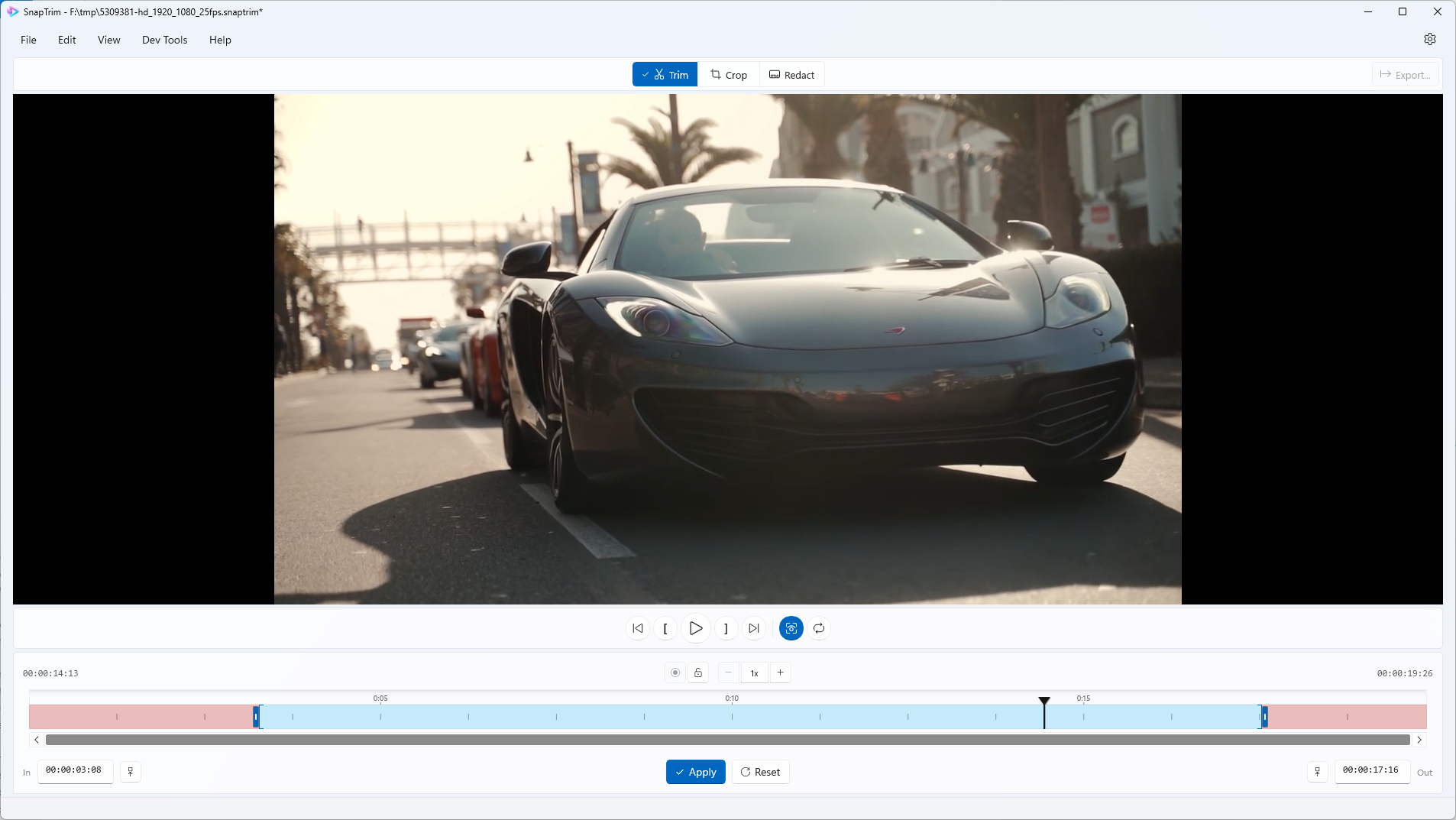
Frame-Accurate Video Trimming
SnapTrim provides precise frame-accurate trimming that matches exactly what you see in the preview. Perfect for quickly cutting unwanted sections from recordings, gameplay clips, or screen captures.
- Frame-accurate cuts - what you preview is what you get
- Visual timeline with intuitive drag handles
- Preview before export
- Supports all common video formats
Crop with Precision
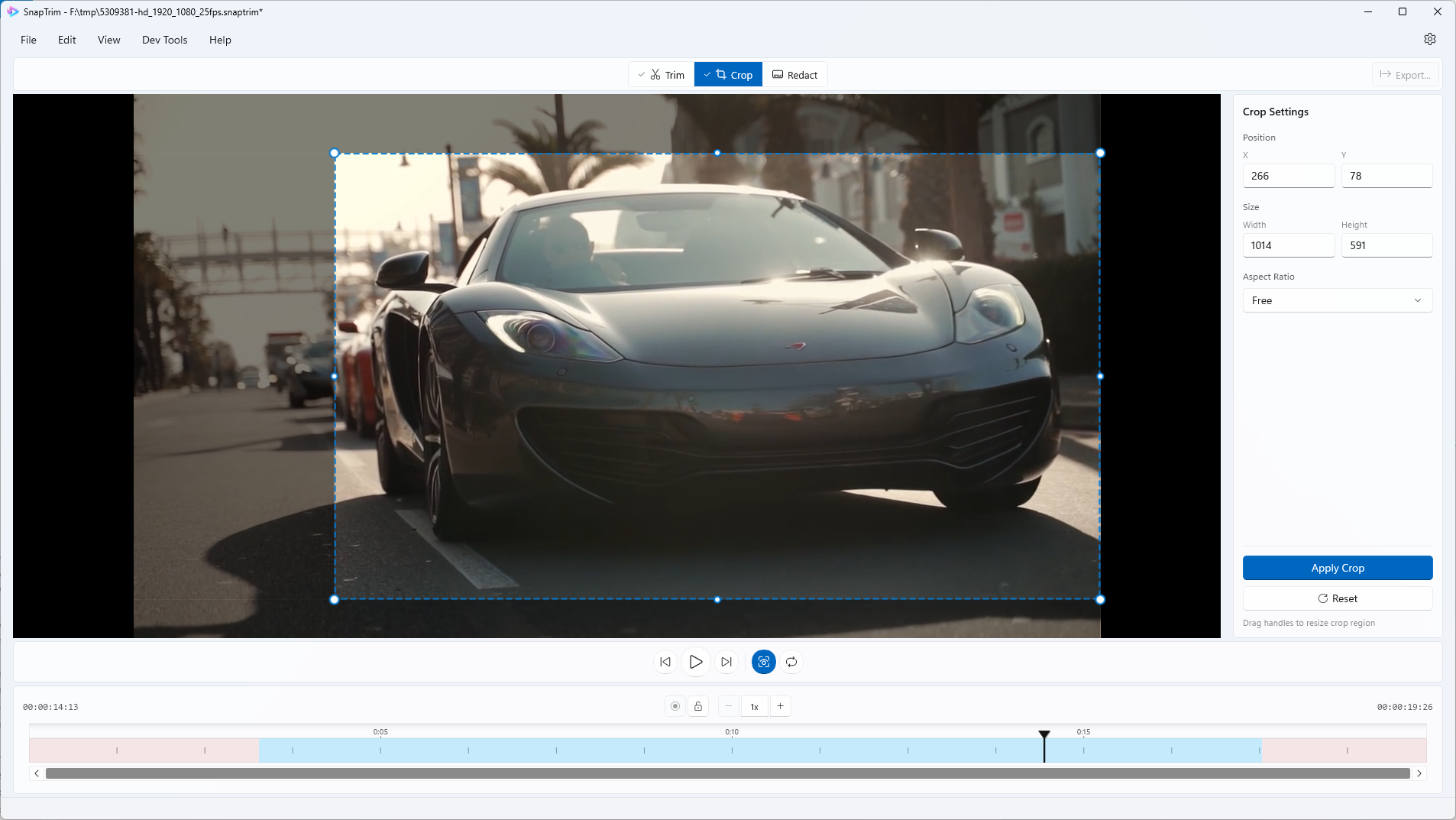
Need to remove black bars, focus on a specific area, or resize for social media? The visual crop tool lets you drag to select exactly what you want to keep.
- Visual drag-to-crop interface
- Perfect for vertical video conversion
- High-quality re-encoding (CRF 17-18)
- Remove unwanted screen regions
Protect Privacy with Redaction
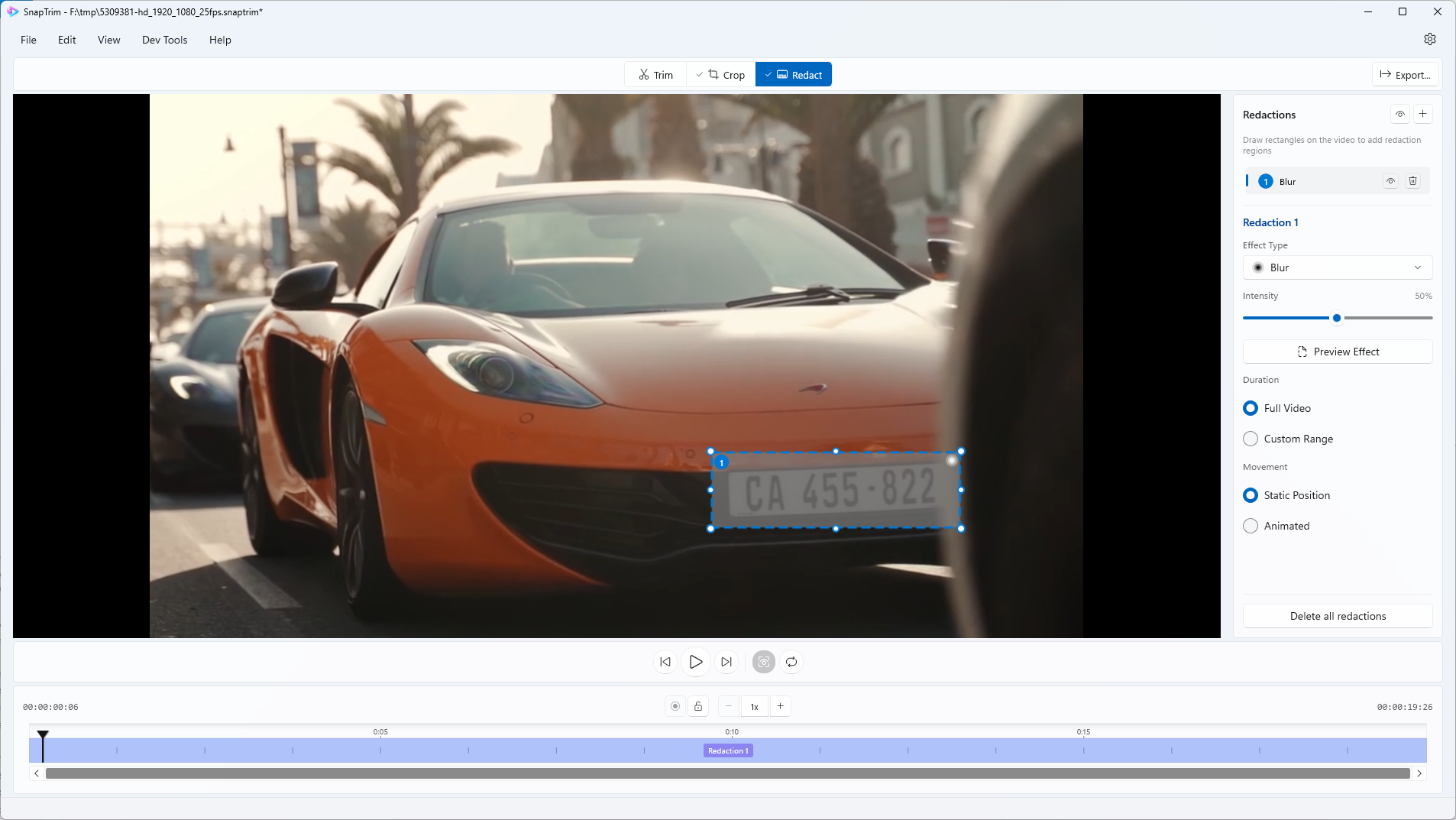
Need to blur faces, license plates, or sensitive information? Redact mode lets you draw regions that get automatically blurred throughout your video - perfect for sharing footage while protecting privacy.
- Draw multiple redaction zones
- Resize and position with precision
- Control blur intensity per region
- Track subjects across the video timeline
- Choose between blur, pixelate, or solid color effects
Preview Before You Export
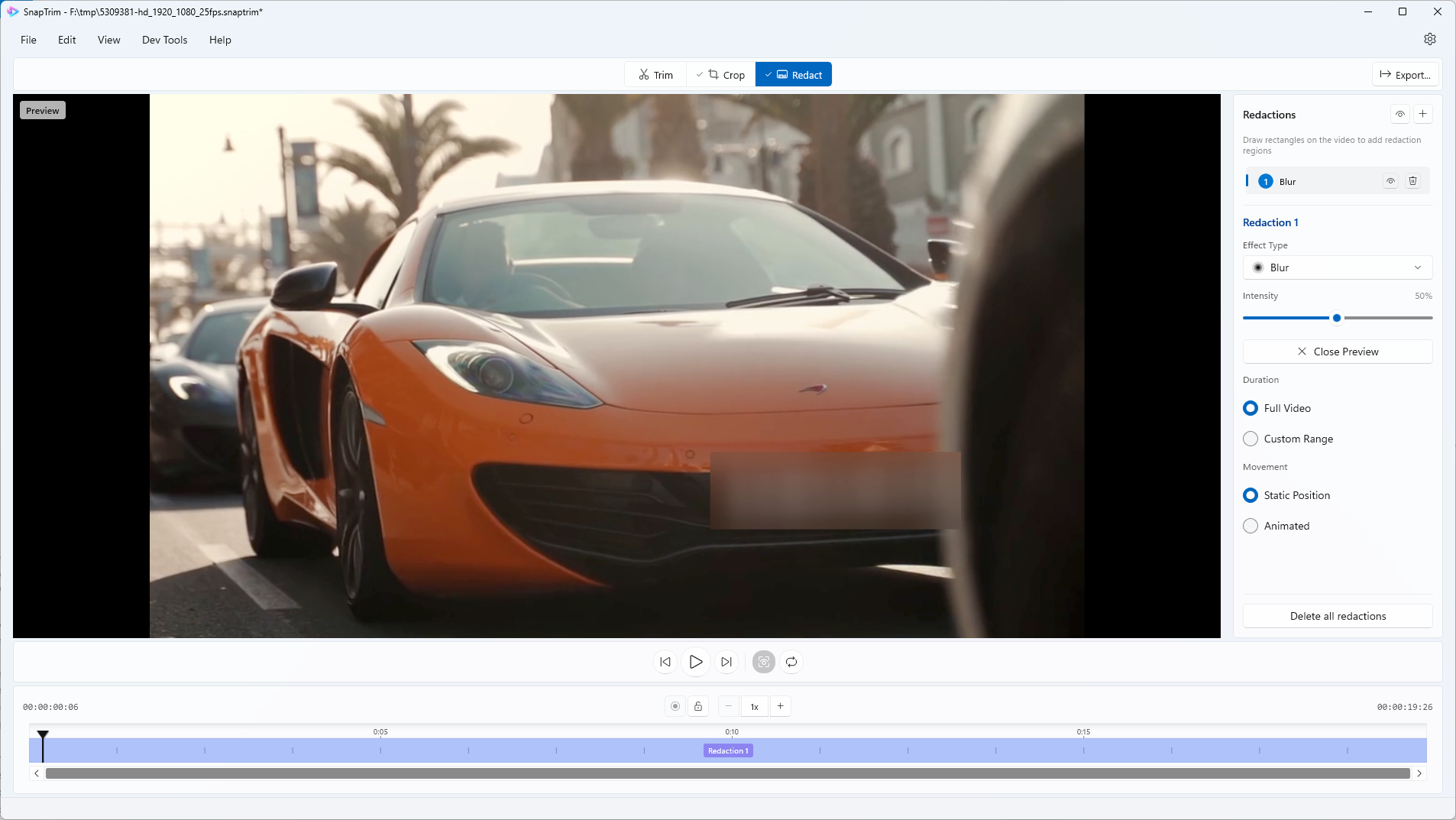
See exactly how your redactions will look before processing. Preview mode applies blur, pixelate, or color block effects to a snapshot so you can verify coverage and intensity before exporting.
- One-click preview
- Adjustable effect intensity
- Verify complete coverage
- Iterate quickly before export
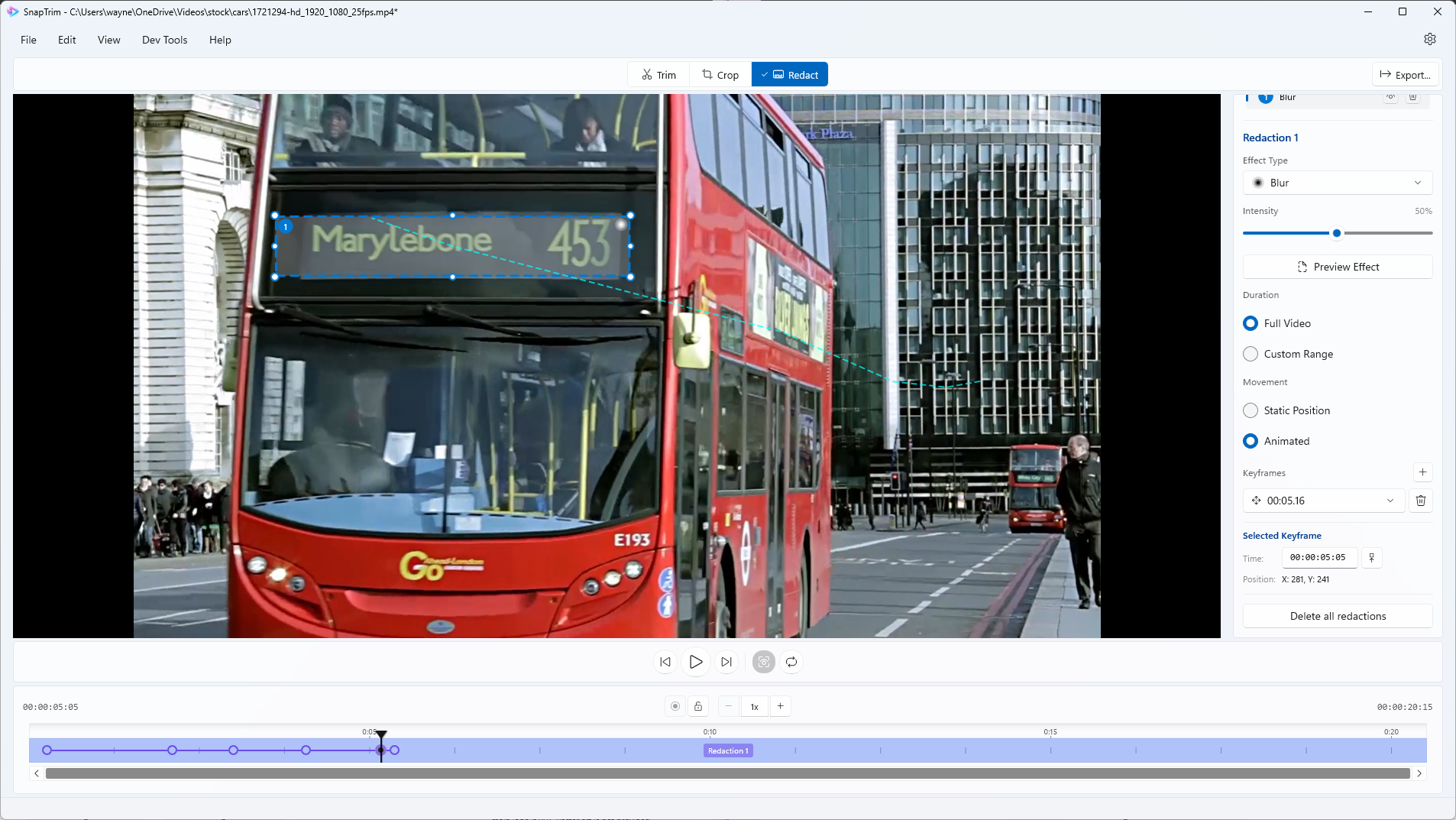
Animated Redactions
Track moving subjects with animated redaction regions. Perfect for blurring faces or objects that move throughout your video - simply define keyframes and let SnapTrim interpolate the movement.
- Track moving subjects across frames
- Keyframe-based animation
- Smooth interpolation between positions
- Preview animation before export
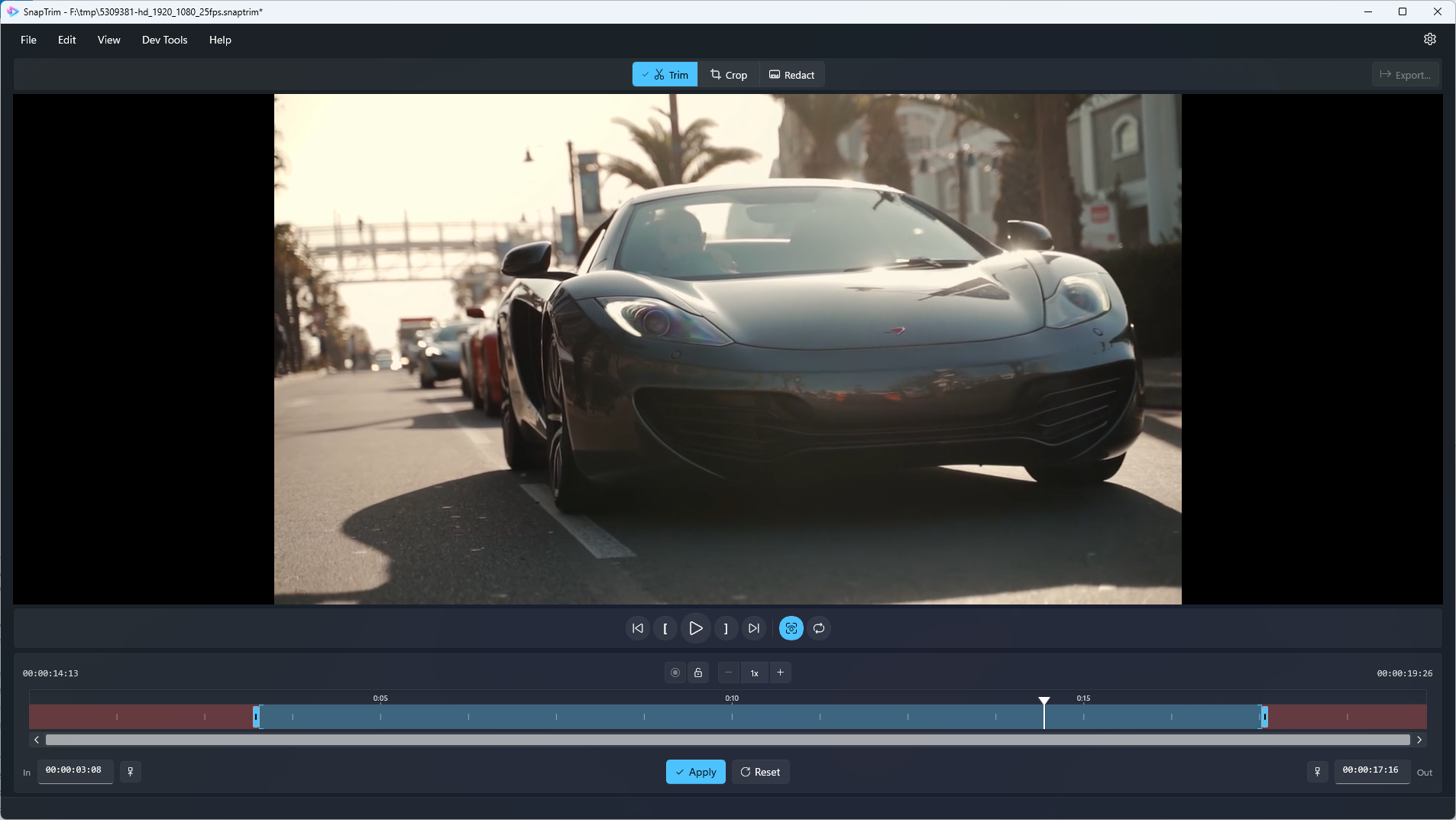
Full Dark Mode Support
SnapTrim seamlessly adapts to your Windows theme preference, offering a complete dark mode experience that’s easy on the eyes during late-night editing sessions.
- Automatic theme detection
- Full dark mode interface
Built for Windows
SnapTrim is a native Windows app built with WinUI 3 for a modern, responsive experience. Access it from the Start menu or via ‘Open with’ in File Explorer for quick trim, crop, and redact operations.
- Open videos directly from File Explorer
- Modern Windows 10/11 interface
- Full dark mode theme support
- Keyboard shortcuts for power users
- One-time purchase from Microsoft Store